






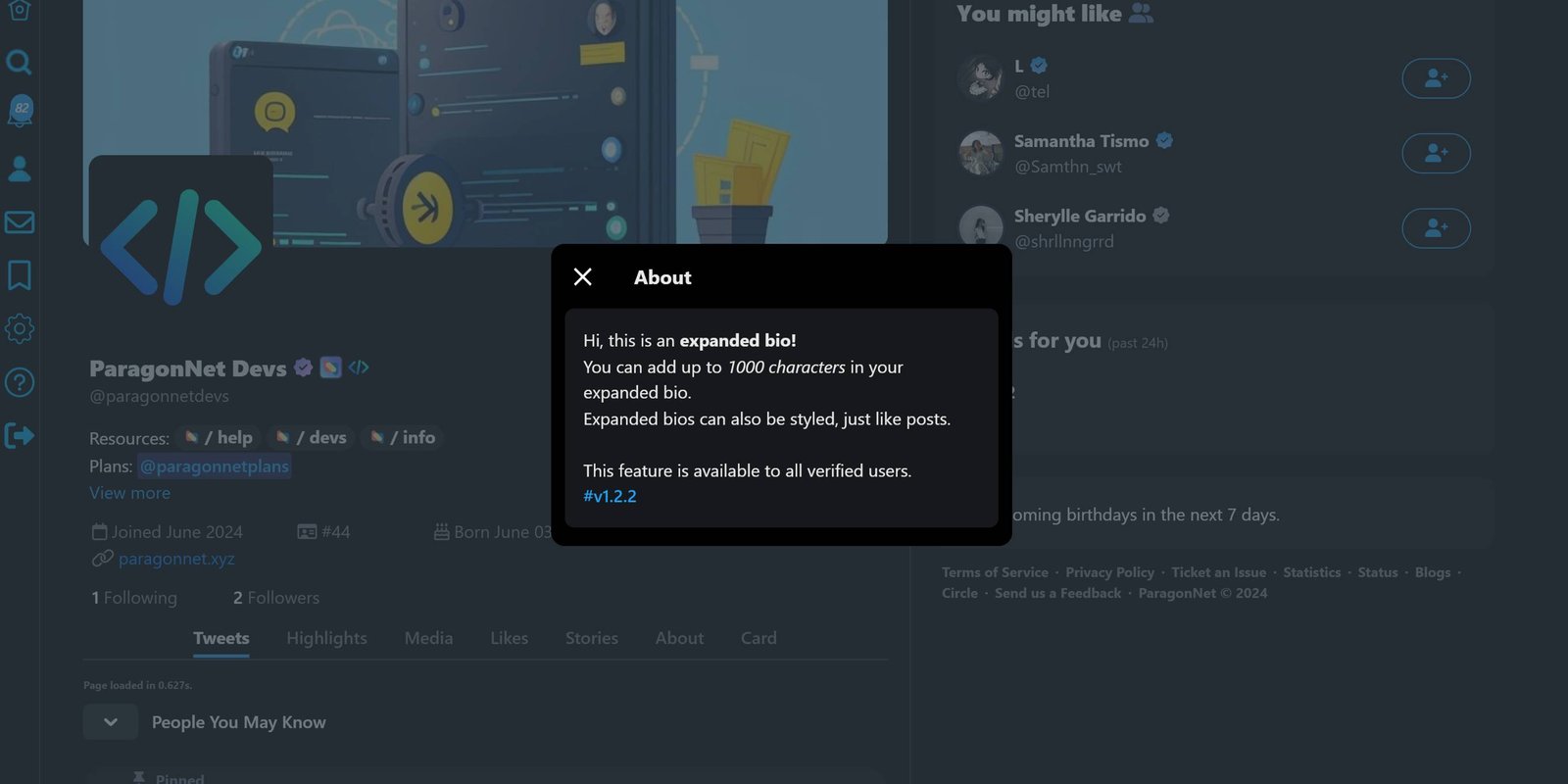
🎆 Introducing Expanded Bio! 🎆
We're excited to bring you our latest feature: Expanded Bio! Now, you have more space than ever to express yourself, share your story, and let your personality shine.
Customize your bio with additional details, showcase your achievements, and connect with others on a deeper level.
🎉 What's New?
More Characters: Add more text to fully describe yourself.
Enhanced Customization: Highlight key points, add links, and make your bio uniquely yours.
Personal Touch: Share your passions, interests, and anything that makes you, you!
Update your profile now and let the world know who you truly are! 🌍✨
#v1.2.2
10:06 PM · Aug 18, 2024 ·
10:06 PM · Aug 18, 2024 ·
Terms of Service
Last TweetPoll Update: August 14, 2026 / 10:53:09am

Spoilers At the start of your spoiler, add a "/s" followed by your spoiler/s, and end with "!s" to close the spoilers.
Credits Text (Sub-text) At the start of your credits, add a "/creds" followed by your credit/s, and end with "!creds" to close the credits.
Center Text At the start of your text, add a "/center" followed by your text/s, and end with "!center" to close the center text tag.
Bold Text At the start of your text, add a "/b" followed by your text/s, and end with "!b" to close the bold text tag.
Italicize Text At the start of your text, add a "/i" followed by your text/s, and end with "!i" to close the italize text tag.
Horizontal Rule To add a horizontal rule on your post, simply add "/hr" to where you want to put a horizontal rule.
Colored Text There are three (3) different kinds of tags for coloring your text. you may use "/color(*)", "/hex(**)", or "/rgb(***,***,***)" and end with "!color", "!hex", or "!rgb" respectively.
Color examples:
* - (red), (green), (blue), (yellow)
** - (00acee), (ffffff), (123456), (ff0000)
*** - (0,0,0), (120, 140, 160), (255, 255, 255)